Diktieren, wo der Cursor stehtDictate where your cursor is
Der Text erscheint schon beim Sprechen, erkannt auf dem Mac.
The text appears while you speak, recognized on your Mac.
Diktat, Clipboard, Snippets, Quick AI und Bildschirmfotos für iPhone, iPad und Mac. Erkannt auf dem Gerät, ohne Konto.
Dictation, clipboard, snippets, Quick AI and screenshots for iPhone, iPad and Mac. Recognized on the device, no account.
Vorerst gratis · ohne Abo · iPhone, iPad und Mac
Free for now · no subscription · iPhone, iPad and Mac
Kürzel drücken, sprechen, und der Text landet in der App, die vorne ist. Alles wohnt in der Menüleiste.
Press a shortcut, speak, and the text goes into the app in front. It all lives in the menu bar.
Der Text erscheint schon beim Sprechen, erkannt auf dem Mac.
The text appears while you speak, recognized on your Mac.
Kürzel tippen, und der ganze Baustein steht da.
Type an abbreviation and the whole text is there.
Suchen, filtern, mit Stern behalten. Passwort-Apps bleiben draussen.
Search, filter, star to keep. Password apps stay out.

Text markieren, Kürzel drücken, Änderungen prüfen, einsetzen.
Select text, press a shortcut, review the changes, insert.

Bereich aufziehen, Dettami liest den Text, auch in Bildern und Videos.
Drag over an area and Dettami reads the text, even in images and videos.
Ein Kürzel, und Dettami nimmt einen Bereich, ein Fenster oder den ganzen Bildschirm auf. Alles bleibt auf Deinem Mac, bis Du es sicherst.
One shortcut, and Dettami captures an area, a window or the whole screen. Everything stays on your Mac until you save it.
Markieren, Privates verdecken, zuschneiden. Alles im selben Fenster.
Mark up, hide what's private, crop. All in the same window.


In der Einrichtung wählbar. Dettami legt seine Kürzel neben die von macOS und fragt einmal nach der Erlaubnis Bildschirmaufnahme.
Selectable during setup. Dettami adds its shortcuts next to the ones of macOS and asks once for Screen Recording permission.
Klicken, tippen, Skripte starten, die KI fragen: Flow erledigt wiederkehrende Handgriffe auf dem Mac, so oft Du willst.
Click, type, run scripts, ask the AI: Flow takes care of repetitive steps on your Mac, as often as you like.
Gratis · macOS 26 · von Apple notarisiert
Free · macOS 26 · notarized by Apple
Klick, Text, Warten, Fenster, Verzweigung, Schleife. Bauen, aufnehmen oder mit KI erstellen.
Click, text, wait, windows, branches, loops. Build, record or create with AI.
Kürzel, Zeitplan, App, Ordner, Clipboard oder Webhook.
Shortcut, schedule, app, folder, clipboard or webhook.
Shell, AppleScript, JavaScript, Python. Dazu Apple Intelligence, Ollama oder Dein Schlüssel.
Shell, AppleScript, JavaScript, Python. Plus Apple Intelligence, Ollama or your own key.
Mac wählen, Flow antippen, sehen, ob es geklappt hat.
Pick the Mac, tap a flow, see whether it worked.
Mikrofon in der Tastatur antippen, sprechen, fertig. Der Text steht dort, wo der Cursor war.
Tap the microphone in the keyboard, speak, done. The text lands where your cursor was.

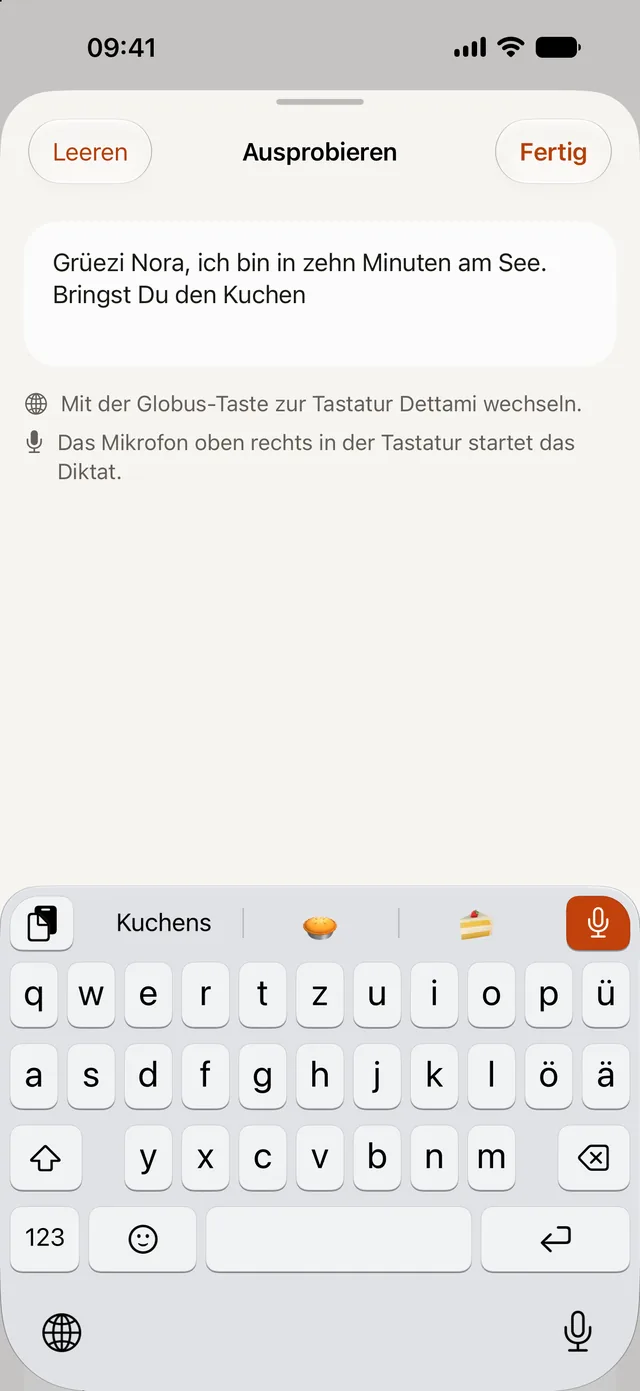
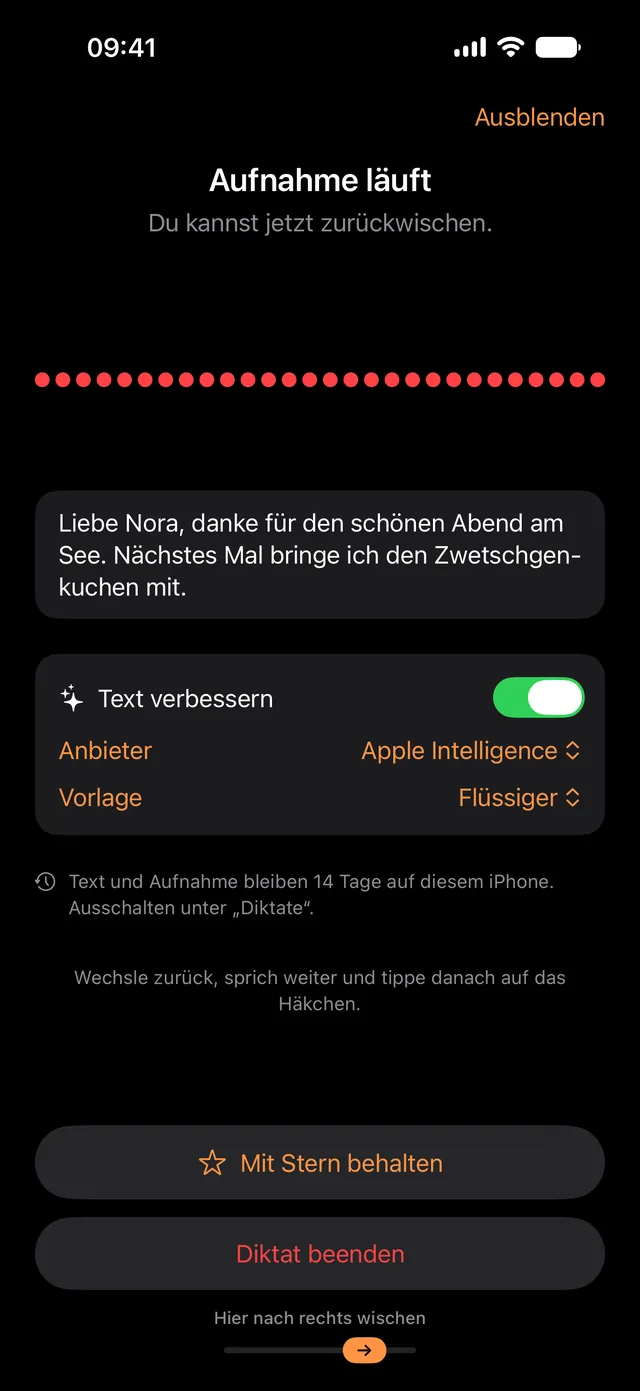
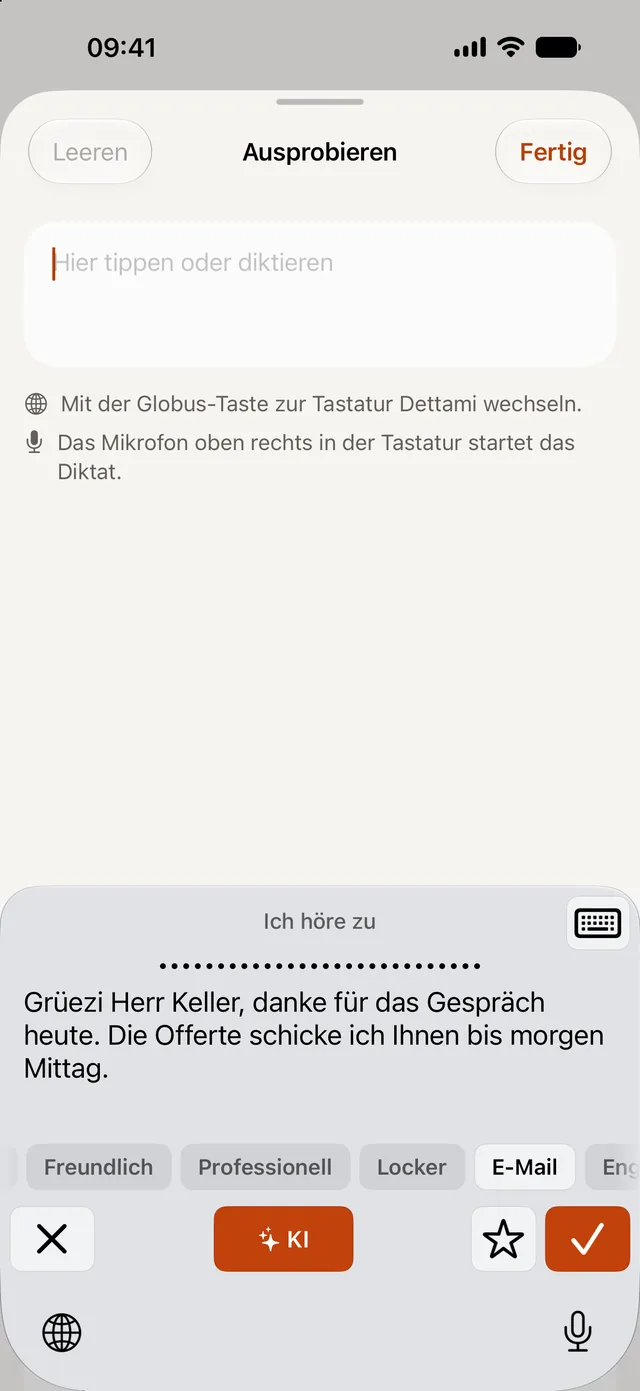
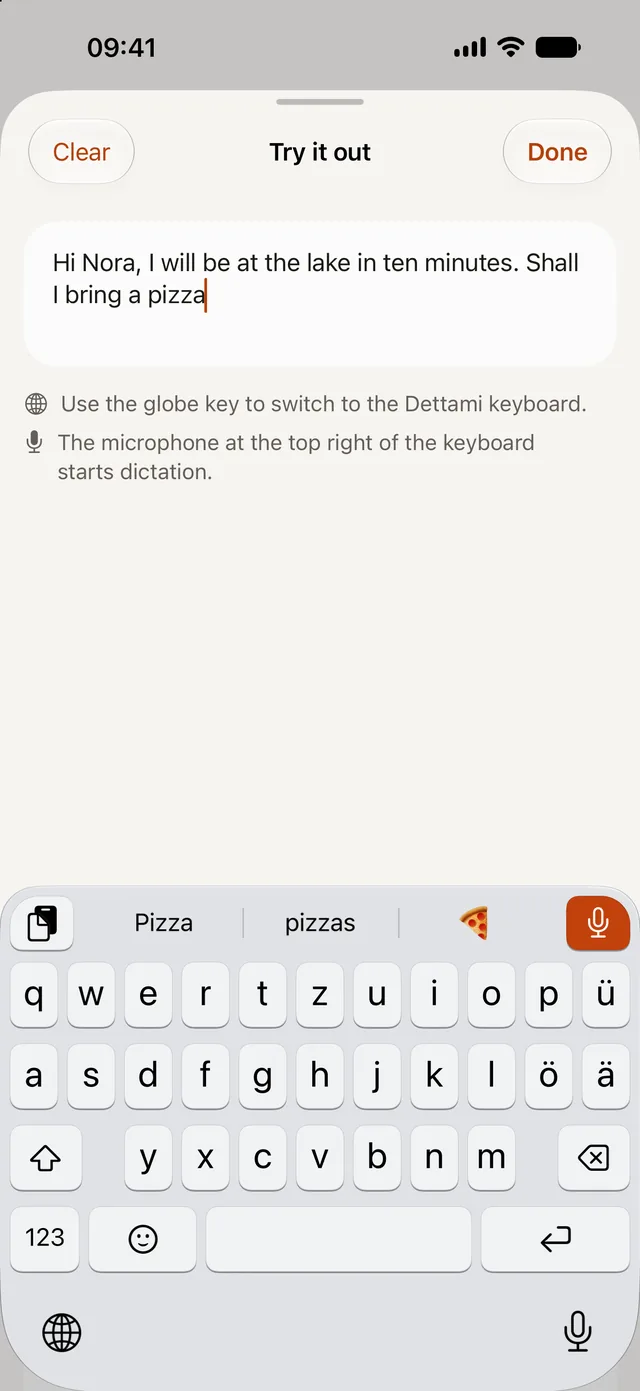
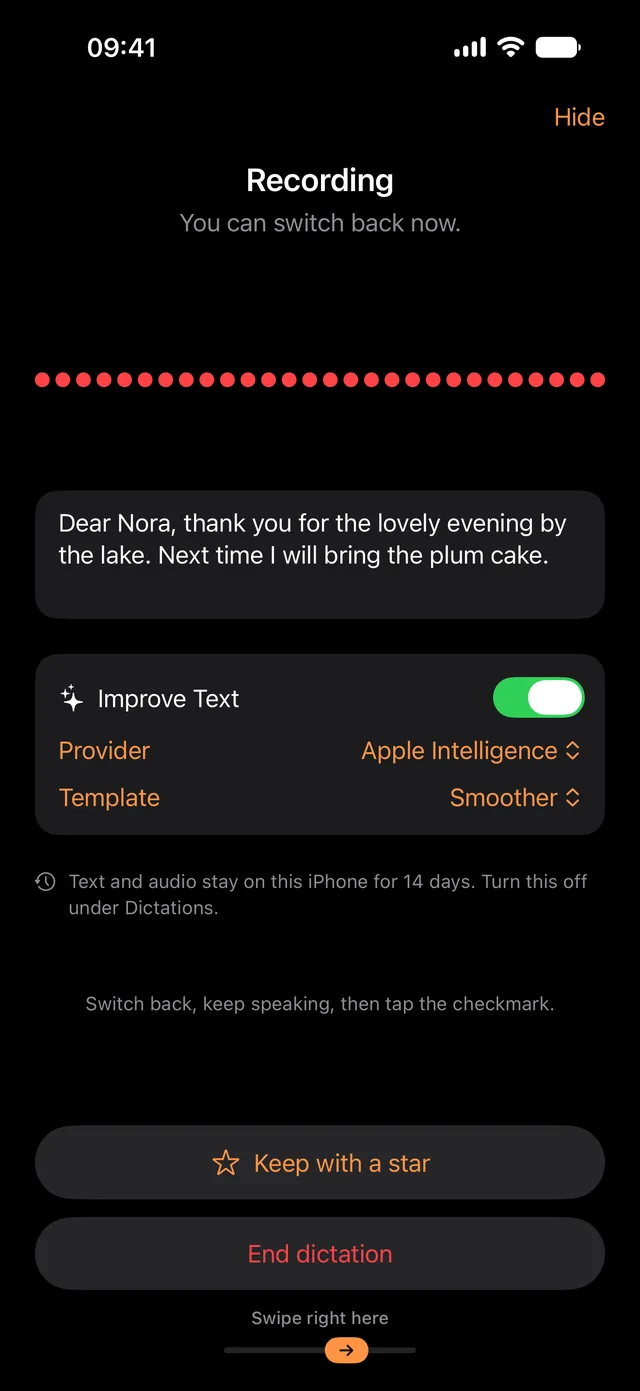
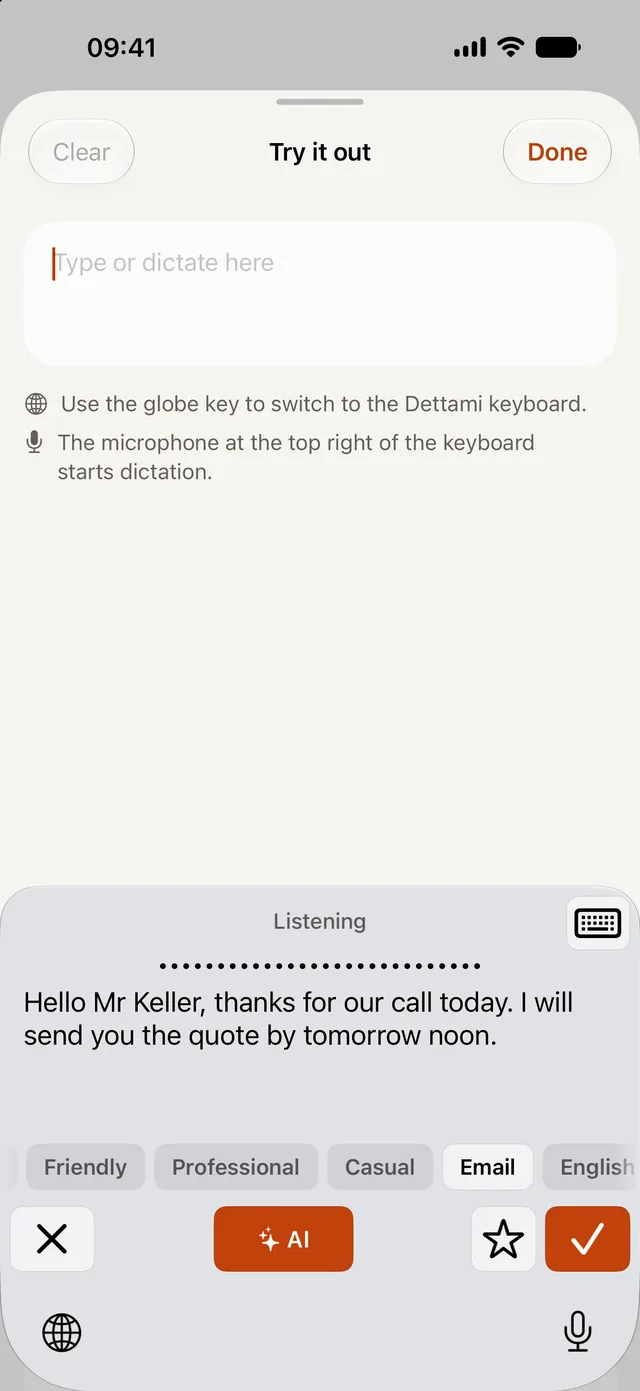
Jede steht für sich. Zusammen gleichen sie sich über Deine iCloud ab und starten Abläufe vom iPhone aus.
Each stands on its own. Together they sync through your iCloud and start workflows from your iPhone.

Diktat, Tastatur, Clipboard, Snippets, Quick AI und Bildschirmfotos.
Dictation, keyboard, clipboard, snippets, Quick AI and screenshots.
App StoreAbläufe für den Mac: per Kürzel, Zeitplan oder vom iPhone.
Workflows for the Mac: by shortcut, schedule or from your iPhone.
Gratis · GitHubFree · GitHub
Für den Support-Alltag: Gespräche, Tickets, Aufgaben, HubSpot und Jira an einem Ort.
For support work: calls, tickets, tasks, HubSpot and Jira in one place.
Nur auf AnfrageOn request onlyKurz gesagt. Alle Einzelheiten stehen in der Datenschutzerklärung.
In short. All details are in the privacy policy.
Deine Stimme verlässt iPhone und Mac zum Erkennen nie. Kein Konto.
Your voice never leaves your iPhone or Mac to be recognized. No account.
Keine Analytics, keine Werbung. Auf dieser Seite auch keine Cookies.
No analytics, no ads. No cookies on this page either.
Apple Intelligence auf dem Gerät oder Dein eigener Schlüssel. Ins Netz geht dann nur der Text.
Apple Intelligence on the device or your own key. Only the text goes online then.
Der Abgleich ist ab Werk aus. Flow speichert in dem Ordner, den Du wählst.
Sync is off by default. Flow stores everything in the folder you choose.
Zurzeit nichts. Dettami ist vorerst ganz gratis: alle Funktionen auf iPhone, iPad und Mac ohne Kauf und ohne Abo, auch die Bildschirmfotos. Dettami Flow ist gratis.
Nothing right now. Dettami is completely free for now: every feature on iPhone, iPad and Mac without a purchase or subscription, screenshots included. Dettami Flow is free.
Nein. Jede App funktioniert allein. Den Abgleich zwischen iPhone und Mac und die Fernbedienung vom iPhone gibt es nur, wenn die passenden Apps auf beiden Geräten laufen.
No. Each app works on its own. Sync between iPhone and Mac and the remote from your iPhone only work when the matching apps run on both devices.
Dettami fürs iPhone ab iOS 17, ab Version 1.3 auch auf dem iPad mit eigener Tastatur, dazu die Apple Watch für Sprachnotizen. Dettami für Mac, Dettami Flow und Dettami Support brauchen macOS 26 (Tahoe) oder neuer.
Dettami for iPhone needs iOS 17 or later, from version 1.3 also on iPad with its own keyboard, plus Apple Watch for voice notes. Dettami for Mac, Dettami Flow and Dettami Support need macOS 26 (Tahoe) or later.
Nein. macOS behält ⇧⌘3, ⇧⌘4 und ⇧⌘5, Dettami nimmt ⌥⇧⌘ mit derselben Ziffer. Ist ein Kürzel schon von einer anderen App belegt, lässt Dettami es leer und sagt Dir, wer es hat. Jedes Kürzel lässt sich ändern.
No. macOS keeps ⇧⌘3, ⇧⌘4 and ⇧⌘5, Dettami uses ⌥⇧⌘ with the same digit. If another app already has a shortcut, Dettami leaves it empty and tells you who has it. Every shortcut can be changed.
Dettami fragt erst, wenn eine Funktion es braucht: Mikrofon fürs Diktat, Bedienungshilfen zum direkten Einsetzen und für Kürzel, Bildschirmaufnahme für Text vom Bildschirm und für Bildschirmfotos. Liest Dettami den Bildschirm, zeigt die Menüleiste ein Auge. Flow braucht dazu die Eingabeüberwachung für Kürzel und Aufnahmen.
Dettami asks only when a feature needs it: microphone for dictation, Accessibility to insert text and for abbreviations, Screen Recording for text from the screen and for screenshots. While Dettami reads the screen, the menu bar shows an eye. Flow also needs Input Monitoring for shortcuts and recording.
Mit Version 1.2 sind sie in Dettami Flow umgezogen. Beim ersten Start bietet Flow „Aus Dettami übernehmen“ an und holt Deine Makros samt Bildern und Auslösern.
With version 1.2 they moved to Dettami Flow. On first launch, Flow offers “Take over from Dettami” and brings over your macros with their images and triggers.
Flow klickt, tippt und startet Skripte in anderen Apps. Das geht nur ausserhalb der Sandbox des App Store. Die App ist von Apple notarisiert und aktualisiert sich über GitHub auf Klick oder einmal am Tag, wenn Du es einschaltest.
Flow clicks, types and runs scripts in other apps. That only works outside the App Store sandbox. The app is notarized by Apple and updates through GitHub on a click, or once a day if you turn it on.
Erkannt wird Hochdeutsch, Französisch, Italienisch und Englisch, geschrieben mit ss. Auf dem iPhone schreibt Dettami Dein Diktat auf Wunsch in Züritüütsch um, ab iOS 27 auf Geräten mit Apple Intelligence.
It recognizes German, French, Italian and English, written with Swiss ss. On iPhone, Dettami can rewrite your dictation in Zurich German, iOS 27 or later on devices with Apple Intelligence.
Nur auf Anfrage über die Support-Seite. Dettami Support ist für einen bestimmten Support-Alltag gebaut, etwa mit HubSpot, Jira und Teams, und wird über TestFlight verteilt.
On request only, through the support page. Dettami Support is built for a specific support setup, e.g. with HubSpot, Jira and Teams, and is distributed through TestFlight.
Dettami ist vorerst gratis, ohne Kauf und ohne Abo.
Dettami is free for now, no purchase, no subscription.
